Instant Workstation & Render Access
Spin up RTX A6000 nodes for modeling, rendering, and AI iteration in seconds. Pre-configured images, autoscaling, and remote workstations keep teams productive.

The NVIDIA RTX A6000 is built to deliver exceptional performance for modern AI development, advanced graphics workloads, and data-intensive enterprise computing. With powerful CUDA, Tensor, and RT cores and ample GPU memory, it enables smooth training of midsize AI models, high-fidelity 3D rendering, real-time visualization, and simulation workflows without performance drops.
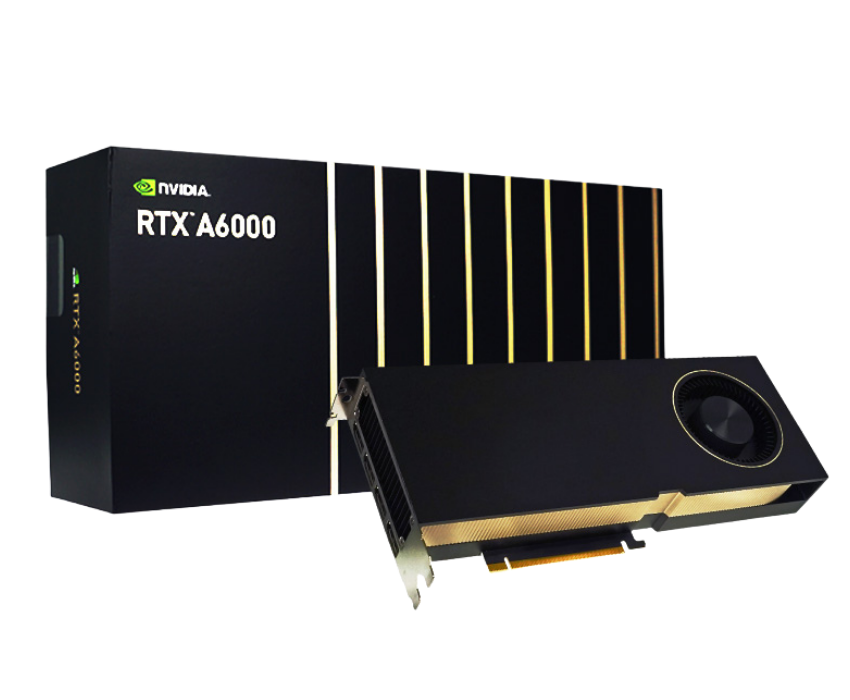
48 GB GDDR6 with ECC
Up to ~130 TFLOPS
Up to ~38.7 TFLOPS
768 GB/s
Support for NVLink (2-way) up to 100 GB/s bidirectional
Performance, agility and predictable scale — without the DevOps drag.
Spin up RTX A6000 nodes for modeling, rendering, and AI iteration in seconds. Pre-configured images, autoscaling, and remote workstations keep teams productive.
With 48 GB of VRAM and high memory bandwidth, stream large scenes or asset libraries without bottlenecks. Ideal for collaborative workflows across design, VFX, and AI.
Role-based access, GPU-quota management, audit logs and secrets encryption ensure creative and engineering teams can scale securely across projects.
From high-fidelity visualization to model training and production-scale AI, enterprises select Inhosted.ai for RTX A6000 clusters that integrate professional graphics, AI acceleration, and global cloud delivery — all backed by transparent pricing and enterprise SLA.
RTX A6000 offers workstation-class graphics (RT/Shader cores) alongside Tensor Cores for AI. Designers, engineers, and data scientists work on shared clusters without switching hardware.
48 GB GDDR6 with 768 GB/s bandwidth means massive scenes, high-res textures, and large models run smoothly. Teams avoid memory bottlenecks and accelerate iteration cycles.
Deployments run in ISO 27001 and SOC-certified environments, with per-tenant isolation, encrypted storage, and private networks — perfect for creative agencies, engineering firms, and AI research labs.
Access RTX A6000 nodes across regions, scale capacity for crunch weeks and wrap down when done. Inhosted.ai’s monitoring and billing tools ensure cost-effectiveness with a 99.95% uptime SLA.
The NVIDIA RTX A6000 unites visual computing and AI in one premium GPU. With 48 GB GDDR6, RT Cores for ray tracing, Tensor Cores for AI acceleration, and NVLink expansion to 96 GB memory, it supports complex design, simulation, and intelligence workflows. Ideal for studios and enterprises who demand highest-quality visual output, fast AI training, and seamless collaboration.
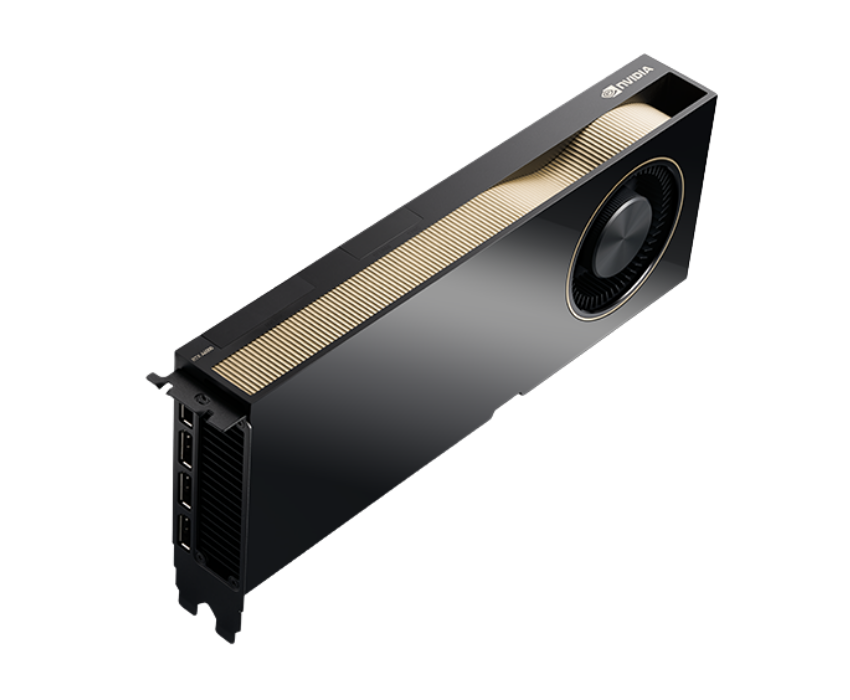
No middlemen. No shared footprints. End-to-end control of power, cooling, networking and security—so your AI workloads run faster, safer, and more predictably.
The NVIDIA RTX A6000 delivers elite graphics and AI-enhanced workflows at scale. With accelerated ray tracing, AI denoising, and large memory headroom, teams move from concept to output faster, iterate quicker, and maintain world-class frame quality at production speed.
Faster ray-traced rendering versus previous gen professional GPUs
Higher AI interactive performance for creative tools
Massive VRAM for big scenes, simulations, and models
Uptime on Inhosted.ai GPU cloud
Where the NVIDIA RTX A6000 elevates visualization and AI workflows — from high-res rendering to model training and dynamic review pipelines.
Produce film-quality frames with RTX A6000’s RT Cores, AI denoise, and high memory headroom for large scenes and complex materials. Render farms spin up elastically and deliver consistent quality.
Teams interactively review scenes, simulations, and AI-generated content remotely with low latency. Screens, assets, and 3D models stream seamlessly through RTX A6000 nodes.
Build and display high-fidelity digital twin models for manufacturing, architecture, or smart cities. RTX A6000’s VRAM and bandwidth keep visual feedback real-time.
Integrate AI effects like captioning, upscaling, segmentation, denoising into creative workflows. RTX A6000’s Tensor Cores accelerate these tasks while designer teams stay productive.
Support large assemblies, complex scenes, and real-time ray tracing for design review, simulation, and visualization in architecture and engineering firms.
Fine-tune smaller AI models, run inference, and serve AI-driven visualization—all on the same RTX A6000 infrastructure. Guarantees high utilization and cost-effective GPU usage.
At inhosted.ai, we empower AI-driven businesses with enterprise-grade GPU infrastructure. From GenAI startups to Fortune 500 labs, our customers rely on us for consistent performance, scalability, and round-the-clock reliability. Here's what they say about working with us.
Join Our GPU Cloud
“Our shift to inhosted.ai’s RTX A6000 GPUs has been a game-changer. Render times dropped by over 50%, and we can now handle complex scenes in real-time with ease.”
“We use RTX A6000 for both AI inference and real-time rendering. The GPU’s power efficiency, combined with stable scaling, has improved our production pipeline significantly.”
“With RTX A6000, our architectural visualization team can render photorealistic scenes in real-time, and we can handle large-scale multi-user workloads seamlessly.”
“Switching our production workflows to RTX A6000 nodes from inhosted.ai was the best decision. The performance is incredible and the uptime is unmatched.”
“We’ve been using RTX A6000 for both development and production. The GPU's low-latency and high memory capacity make it ideal for our compute-heavy tasks.”
“We transitioned our video production to RTX A6000 and couldn't be happier. The GPUs deliver smooth performance and speed, making real-time collaboration across the team a reality.”
“Switching our production workflows to RTX A6000 nodes from inhosted.ai was the best decision. The performance is incredible and the uptime is unmatched.”
“We’ve been using RTX A6000 for both development and production. The GPU's low-latency and high memory capacity make it ideal for our compute-heavy tasks.”
“We transitioned our video production to RTX A6000 and couldn't be happier. The GPUs deliver smooth performance and speed, making real-time collaboration across the team a reality.”
“Our shift to inhosted.ai’s RTX A6000 GPUs has been a game-changer. Render times dropped by over 50%, and we can now handle complex scenes in real-time with ease.”
“We use RTX A6000 for both AI inference and real-time rendering. The GPU’s power efficiency, combined with stable scaling, has improved our production pipeline significantly.”
“With RTX A6000, our architectural visualization team can render photorealistic scenes in real-time, and we can handle large-scale multi-user workloads seamlessly.”
RTX A6000 is NVIDIA’s workstation-class GPU re-imagined for cloud environments. With 48 GB GDDR6, RT/Shader/Tensor cores and NVLink, it supports high-fidelity graphics, simulation, and AI workflows — perfect for studios, design firms, and enterprises that require premium visual compute.
A100 is optimized for broad AI training/inference and HPC; L40S targets hybrid AI + graphics; RTX A6000 is the premium visualization and creative AI platform — best when you need top-tier rendering, real-time interactivity, and AI/graphics convergence.
Yes. With 48 GB VRAM (expandable with NVLink), you can load massive scenes, large texture sets, and complex simulations without out-of-memory issues or performance degradation.
Absolutely for visual-AI and mixed workloads — upscaling, denoising, segmentation, and real-time interactive AI. For large-scale training (LLMs, HPC), A100/H100 may be more cost-efficient.
Very. You can scale from individual workstations to render farms across regions. Autoscaling support, quota controls, and unified monitoring make it easy to support distributed teams.
Deployments occur in ISO 27001 and SOC-certified data centers, with encryption, private networks, and per-tenant isolation — trusted by creative and engineering teams globally.
Because you receive pre-configured, cloud-delivered RTX A6000 clusters with enterprise SLA, transparent usage billing, global deployment, and full GPU telemetry, so your team can focus on creation—not infrastructure.